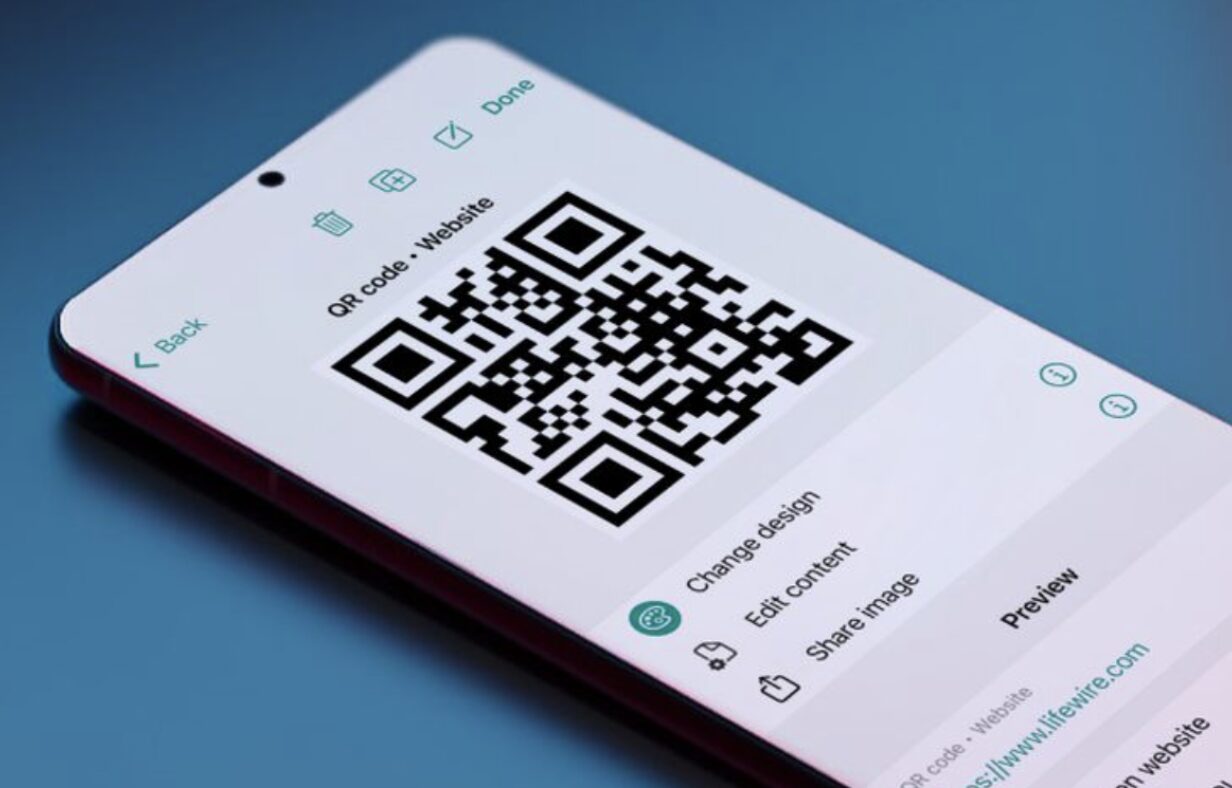
QR codes have become an essential marketing tool for businesses of all sizes. Whether you’re directing customers to your website, sharing contact information, collecting payments, promoting an event, or providing access to digital menus, QR codes offer a fast and convenient way to connect offline and online experiences.
Modern QR code generators go far beyond creating simple static codes. Many now offer dynamic QR codes that can be edited after printing, scan analytics, branding options, password protection, custom colours, logo integration, and campaign tracking.
With so many options available, choosing the right platform can be difficult. In this guide, we’ll compare the ten best QR code generators in 2026 based on features, ease of use, customization, analytics, pricing, and overall value.
How We Evaluated These QR Code Generators
Each platform was evaluated using the following criteria:
- Ease of use
- Static and dynamic QR code support
- Design customization
- Analytics and scan tracking
- Branding capabilities
- File export options
- Pricing
- Business features
1. QR Code Generator
Best Overall QR Code Generator
QR Code Generator is one of the most recognized platforms for creating professional QR codes for businesses, marketers, and organizations.
The platform supports both static and dynamic QR codes, allowing users to edit destination URLs even after codes have been printed. Businesses can also customize colours, add logos, track scans, and organize multiple campaigns from a single dashboard.
Whether you’re creating codes for websites, PDFs, Wi-Fi access, contact cards, or marketing campaigns, the platform offers an excellent balance of simplicity and advanced functionality.
Pros
- Easy to use
- Dynamic QR codes
- Excellent customization
- Detailed analytics
- Wide range of QR code types
Cons
- Premium plan required for advanced features
2. QRCodeChimp
Best for Small Businesses
QRCodeChimp offers one of the most feature-rich platforms for businesses looking to create branded QR codes.
Users can customize colours, shapes, logos, and landing pages while tracking scan performance in real time. The platform also supports digital business cards, review requests, coupons, event registrations, and forms.
Its affordable pricing makes it particularly attractive for small businesses.
Pros
- Excellent branding tools
- Digital business cards
- Detailed analytics
- Affordable plans
Cons
- Interface can feel busy for beginners
3. Uniqode
Best for Enterprise Businesses
Formerly known as Beaconstac’s QR platform, Uniqode focuses on enterprise-level QR code management.
Large organizations can create thousands of QR codes, assign user permissions, monitor scan performance, integrate with CRMs, and manage campaigns across multiple locations.
Its security and analytics features make it popular among larger companies.
Pros
- Enterprise features
- Strong security
- Advanced reporting
- CRM integrations
Cons
- More expensive than most alternatives
4. Canva
Best for Marketing Materials
Canva includes a built-in QR code generator that allows users to easily add QR codes to business cards, brochures, flyers, presentations, menus, posters, and social media graphics.
Because everything is created within the same design editor, users can quickly position and resize QR codes without exporting between multiple programs.
It’s ideal for users already creating marketing materials in Canva.
Pros
- Integrated into design workflow
- Extremely easy to use
- Great templates
- Free option available
Cons
- Limited analytics
- Static QR codes only
5. ME-QR
Best Budget Option
ME-QR provides an impressive collection of QR code types at an affordable price.
Users can generate codes for websites, videos, PDFs, menus, social media, contact information, payments, and many other applications.
It also offers dynamic editing, making it a flexible solution for growing businesses.
Pros
- Affordable pricing
- Wide variety of QR types
- Dynamic codes
- User-friendly interface
Cons
- Advanced analytics require paid plans
6. QR.io
Best for Marketing Campaigns
QR.io was designed specifically for marketers.
Its dynamic QR codes include detailed scan analytics, geographic reporting, device tracking, campaign management, and custom landing pages.
Marketing agencies and businesses running multiple campaigns will appreciate its reporting capabilities.
Pros
- Excellent analytics
- Dynamic editing
- Campaign management
- Professional dashboard
Cons
- Subscription required for most features
7. Adobe Express
Best for Designers
Adobe Express allows users to generate QR codes while designing marketing materials.
Although it lacks advanced campaign management, it works well for flyers, posters, presentations, restaurant menus, brochures, and social media graphics where quick QR code creation is needed.
Pros
- Easy integration
- Professional templates
- Fast workflow
- Adobe ecosystem support
Cons
- Limited tracking capabilities
8. Flowcode
Best for Events and Creators
Flowcode has become increasingly popular among content creators, musicians, event organizers, and influencers.
Its platform allows users to create branded QR codes that direct visitors to landing pages, websites, social media profiles, ticket sales, and digital portfolios while providing detailed scan analytics.
Pros
- Beautiful designs
- Strong branding
- Excellent analytics
- Easy sharing
Cons
- Premium features require a subscription
9. Beaconstac
Best for Large Organizations
Beaconstac offers one of the most advanced QR code management platforms available.
Its enterprise-focused features include API access, security controls, user management, dynamic editing, campaign analytics, and integration with marketing automation platforms.
It’s ideal for companies managing QR codes across multiple teams or locations.
Pros
- Enterprise security
- API integrations
- Powerful analytics
- Bulk management
Cons
- More features than most small businesses need
10. Shopify QR Code Generator
Best Free QR Code Generator
Shopify’s free QR Code Generator is perfect for ecommerce businesses that need simple, static QR codes without creating an account.
Users can quickly generate codes for websites, product pages, promotions, and online stores before downloading them for print or digital use.
Although it lacks dynamic editing and analytics, it’s an excellent free solution.
Pros
- Completely free
- Fast generation
- Easy downloads
- No account required
Cons
- Static QR codes only
- No scan analytics
What Should You Look for in a QR Code Generator?
Static vs. Dynamic QR Codes
Static QR codes cannot be edited after they’re created, while dynamic QR codes allow you to change the destination without printing a new code. Businesses running long-term campaigns often benefit from dynamic QR codes.
Scan Analytics
Many premium platforms provide detailed insights into scan activity, including location, device type, operating system, scan frequency, and referral data.
Branding Options
Custom colours, logos, and unique QR code shapes help reinforce your brand while making your codes stand out from standard black-and-white designs.
File Formats
Look for platforms that support SVG, PNG, PDF, and EPS exports to ensure your QR codes remain sharp across digital and print materials.
Security
Businesses sharing sensitive information should choose generators that support password protection, expiration dates, or encrypted QR codes.
Frequently Asked Questions
What is the best free QR code generator?
Shopify QR Code Generator and Canva both offer excellent free tools for creating static QR codes, while several premium platforms provide limited free plans with additional features.
What’s the difference between static and dynamic QR codes?
Static QR codes cannot be changed once created. Dynamic QR codes allow you to edit the destination, monitor scan analytics, and manage campaigns without replacing the printed code.
Can I add my logo to a QR code?
Yes. Many premium QR code generators allow you to place your logo in the center of the code while maintaining scannability.
Do QR codes expire?
Static QR codes generally do not expire. Dynamic QR codes may become inactive if a subscription ends or the service disables them.
Are QR codes still effective for marketing?
Absolutely. QR codes continue to be widely used for menus, product packaging, business cards, advertisements, payments, event registration, product information, and digital marketing campaigns.
QR codes have become one of the simplest ways to connect customers with digital content. Whether you’re promoting a website, collecting leads, sharing contact information, or managing marketing campaigns, choosing the right QR code generator can make a significant difference.
For most users, QR Code Generator offers the best overall combination of customization, dynamic editing, analytics, and ease of use. QRCodeChimp is an excellent choice for small businesses looking for branded QR codes, while Uniqode and Beaconstac provide enterprise-level features for larger organizations. If you simply need a free static QR code, Shopify’s QR Code Generator is one of the easiest solutions available.
PakarPBN
A Private Blog Network (PBN) is a collection of websites that are controlled by a single individual or organization and used primarily to build backlinks to a “money site” in order to influence its ranking in search engines such as Google. The core idea behind a PBN is based on the importance of backlinks in Google’s ranking algorithm. Since Google views backlinks as signals of authority and trust, some website owners attempt to artificially create these signals through a controlled network of sites.
In a typical PBN setup, the owner acquires expired or aged domains that already have existing authority, backlinks, and history. These domains are rebuilt with new content and hosted separately, often using different IP addresses, hosting providers, themes, and ownership details to make them appear unrelated. Within the content published on these sites, links are strategically placed that point to the main website the owner wants to rank higher. By doing this, the owner attempts to pass link equity (also known as “link juice”) from the PBN sites to the target website.
The purpose of a PBN is to give the impression that the target website is naturally earning links from multiple independent sources. If done effectively, this can temporarily improve keyword rankings, increase organic visibility, and drive more traffic from search results.